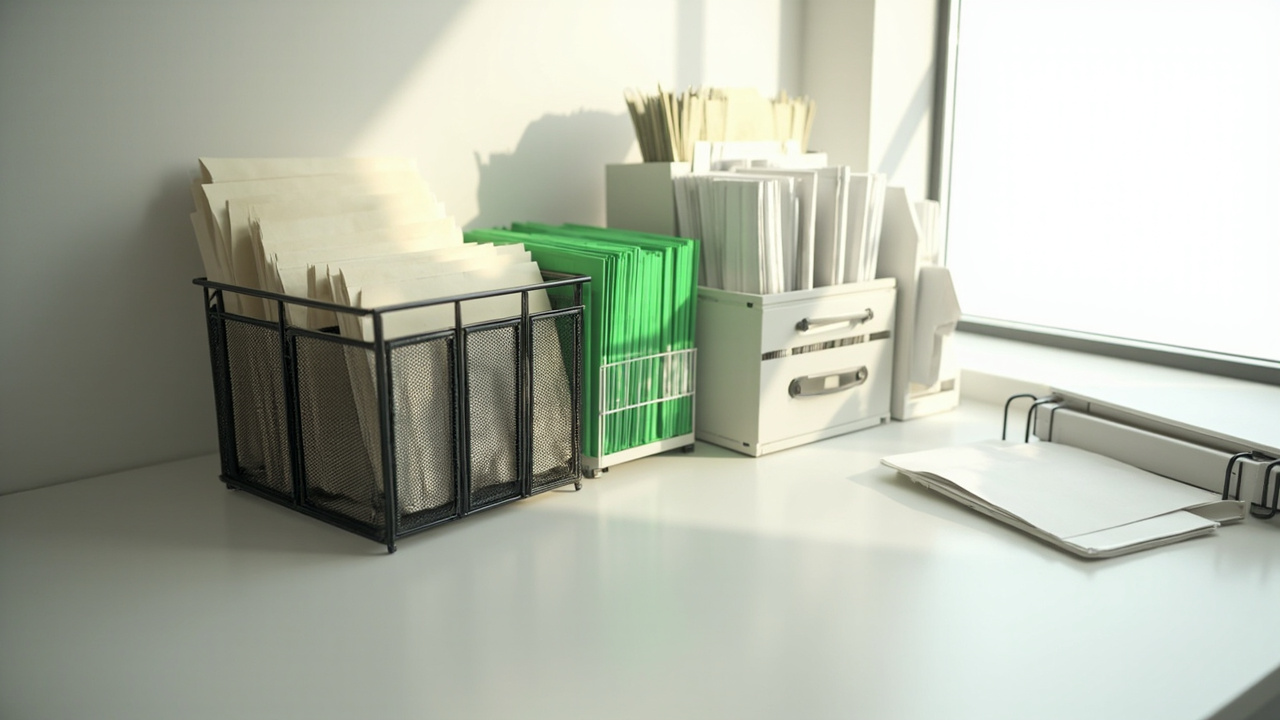
A home office paperwork system is the workflow that moves paper from mail drop → this-week action → labeled active files → archive, scan, or shred — so the desk never becomes the permanent pile. I’ve rebuilt this loop on my own desk twice after work mail and household admin landed on the same surface; without separate stages, every drawer turns into a landfill.
This guide owns the full paper path only. On-desk surface trays live in home office desk organization. Cords live in home office cable management. Cubic towers and wall systems live in small home office storage systems. For the broader room map, start at the home office organization hub or the whole-room home office organization system.
Why Home Office Paper Piles Never Stay Solved
Two streams share one desk: employer or client paper and household bills, school forms, and insurance. When there’s no Action vs Archive split, everything ages in the same stack. Mail often has no single intake — it lands on the entry table one day and the keyboard the next. “Just in case” receipts pile up without a keep/scan/shred rule, so drawers fill with paper you’ll never open again.
A one-time tidy doesn’t stick because the path is missing. I’ve learned you need a daily intake, a this-week Action board, labeled active files, and a clear exit for closed years. Without those stages, buying another tray only relocates the pile.
Before you buy more folders, run a fast paper purge with declutter fast before you buy folders. The KonMari method for paper categories helps sort pending vs discard, but the products and volume layouts below are what keep the system running after the first clean-out.
The 4-Stage Paperwork System
Stage 1 — Intake / Mail Drop
Give every envelope one physical home the moment it enters the house. A three-slot 3-slot desk mail organizer on the desk edge (or at the entry handoff) works: Mail / Notes / To Sort. Empty it daily into Stage 2 — don’t let “maybe later” sit on the keyboard.
If mail first lands at the door, pair this desk inbox with entryway organization for mail drop so paper doesn’t stall in the hallway.
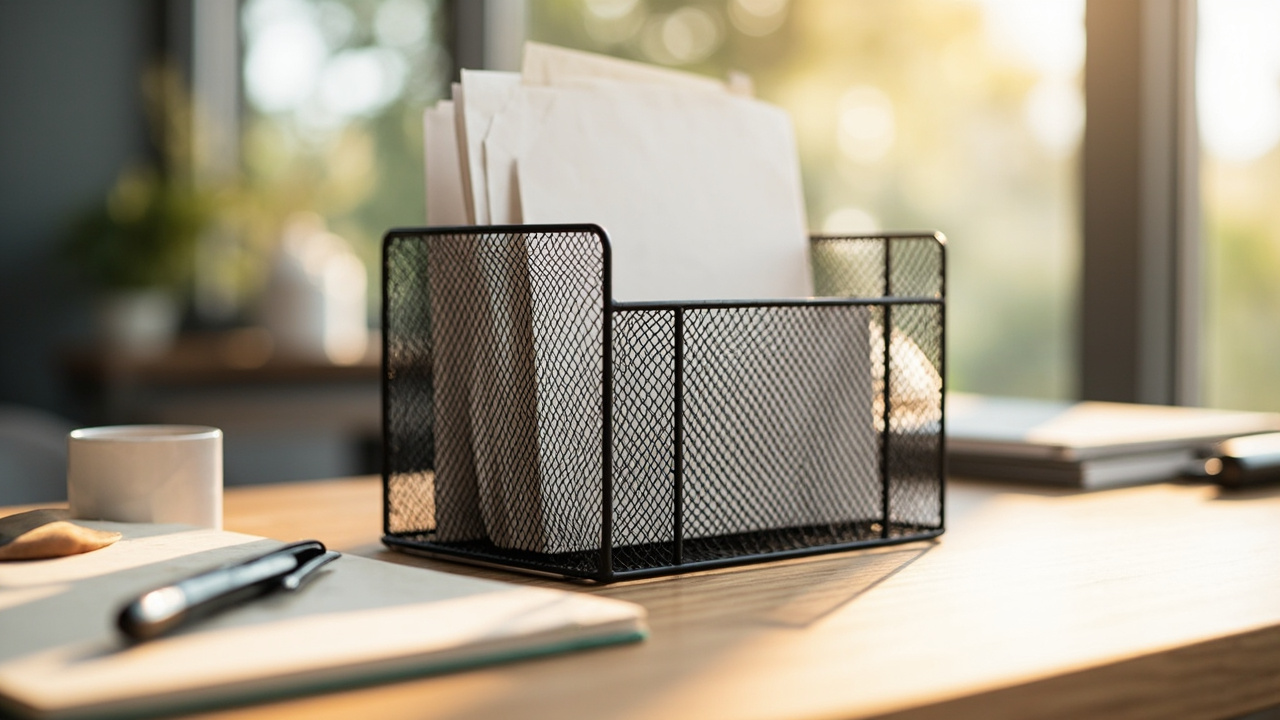
Stage 2 — Action This Week
Only papers that need a decision in ≤7 days stay in Action. Use a Simple Houseware 6-tier sliding file organizer as the board: Pay / Reply / Sign / Waiting / To File. Label the tiers once so you don’t re-decide the categories every morning.
If a sheet sits more than a week without a next step, it leaves Action — file it, archive it, or shred it. Don’t add another tray. I keep the rule ruthless on purpose: Action is a short runway, not long-term storage.
Surface letter trays are temporary holding, not the destination. For on-desk zone layout (not the full filing loop), see home office desk organization.
Stage 3 — Active Hanging Files
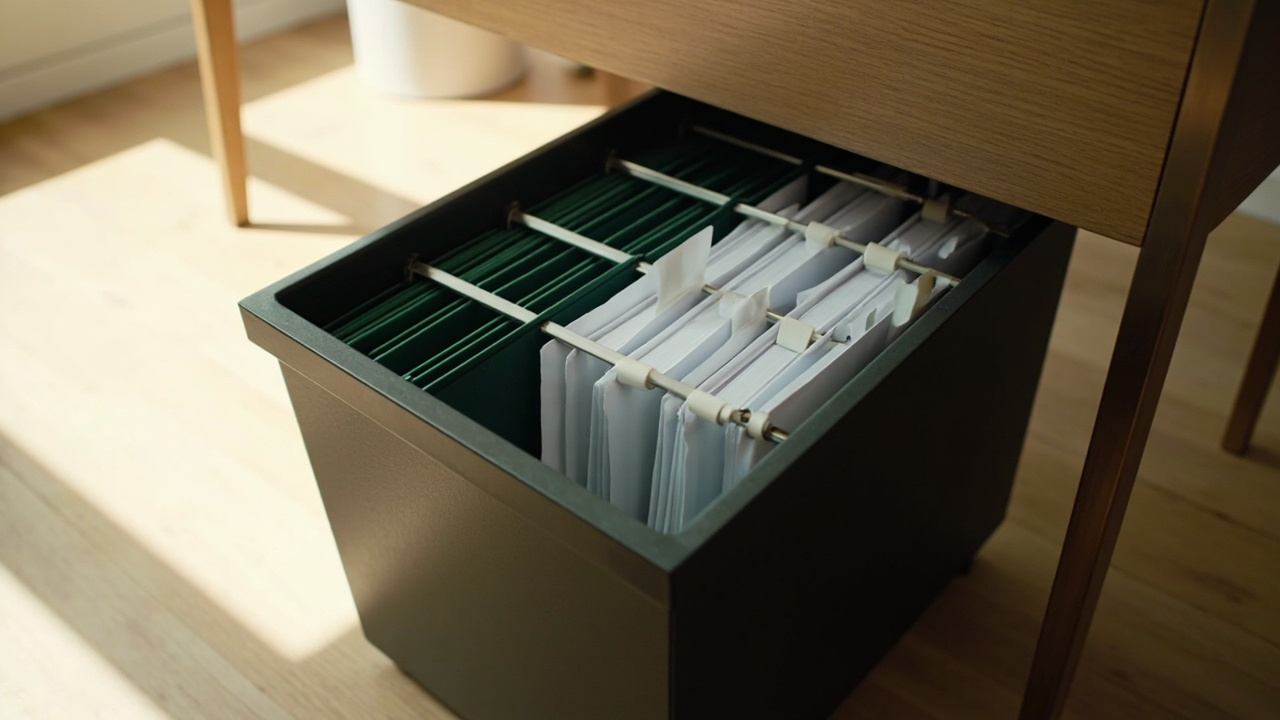
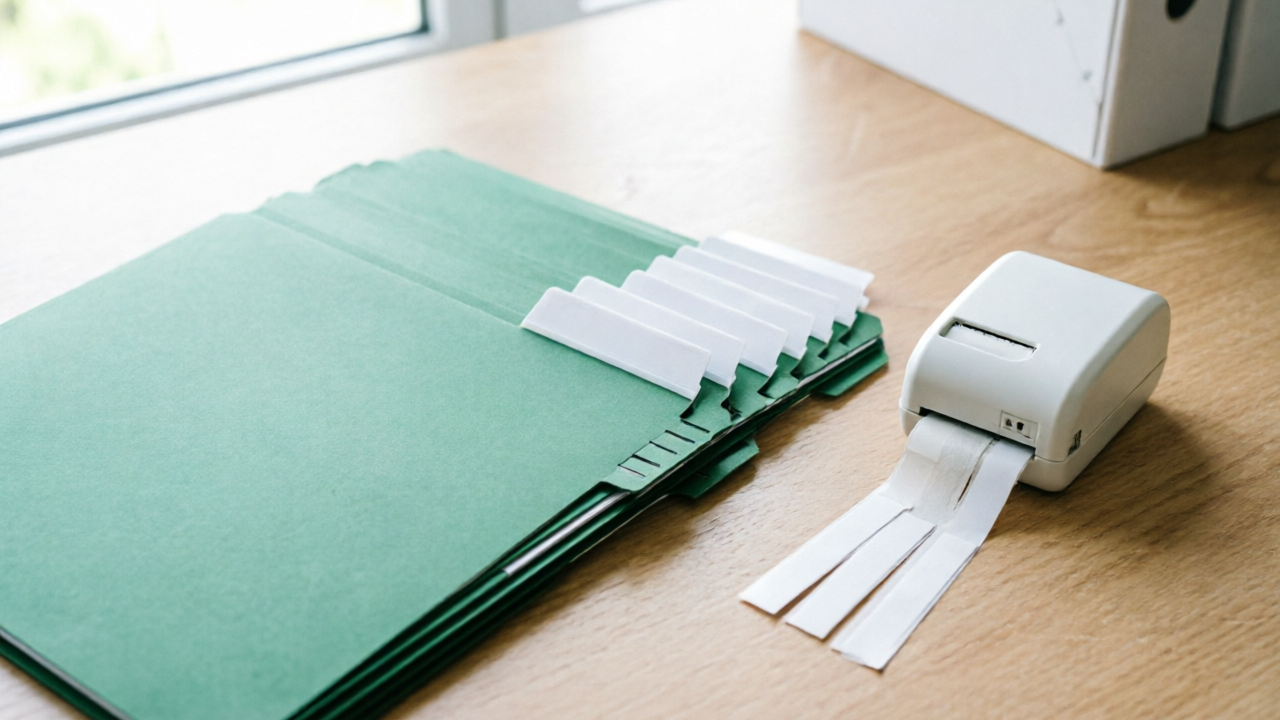
Active categories live in hanging folders with labeled tabs. A 25-pack of Amazon Basics hanging file folders covers Financial / Medical / Household / Work / Tax-Year with room to spare. Medium homes park those folders in a Staples hanging-file box under the desk or on a shelf. High volume or private work docs move into a SISESOL locking 2-drawer mobile cabinet.
Label tabs so a weekly reset takes minutes, not a full afternoon. For deeper tab and spine technique, see how to label anything.
Stage 4 — Archive, Scan, or Shred
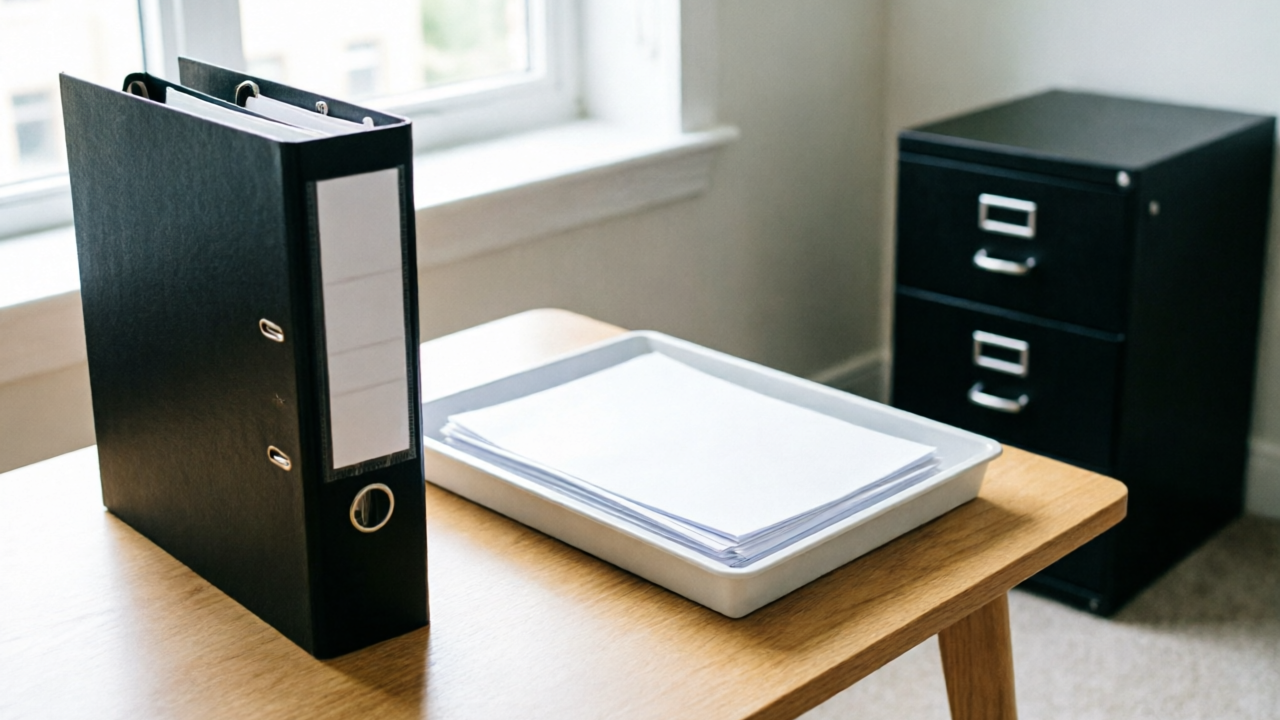
Closed years leave the active hanging set. Use a simple accordion file for one tax year or a closed packet, then store older years in labeled archive bins (see how to choose storage bins). Scan when a manufacturer PDF or digital statement replaces the paper. Shred junk mail and anything with account numbers you don’t need — don’t stockpile a “to shred someday” pile.
A practical rhythm: empty intake daily, clear Action weekly, and run one archive/shred pass on the same day as your weekly reset. That keeps Stage 4 from becoming a second landfill next to the desk.
Paper Categories That Actually Work
Five home-office categories
- Financial — statements, insurance, warranties (current year in hanging; older → archive or scan)
- Medical — household health records (private → lock path when the desk is shared)
- Household — manuals, home docs, school (prefer manufacturer PDFs over paper manuals)
- Work — employer, client, and tax-prep papers (keep separate from household; lock if others use the desk)
- Tax-Year — one hanging set or accordion packet per closed year
Keep / scan / shred lite rules
- Keep: current contracts, insurance, ID copies, tax returns for the window your tax pro recommends
- Scan: reference manuals and old statements after you’ve reviewed them
- Shred: junk mail, expired offers, account numbers you no longer need
This is a practical starting framework, not legal advice. Confirm local requirements for your records. Philosophy-wise, KonMari method for paper categories still helps you decide pending vs discard — the hanging tabs and tote make the decision stick.
Layout by Paper Volume
Match tools to how much paper you actually handle — not to whatever floor cabinet is on sale.
Low volume — desktop sorter + portable categories
Solo WFH, mostly digital, light mail. Kit: 3-slot mail sorter + Simple Houseware action sorter + a small accordion for tax-year packets. Optional: a few hanging folders inside the accordion if you want tabbed categories without a tote. Skip the floor cabinet. Chair path stays clear.
Medium — portable hanging file box
Family admin, moderate bills, school papers. Kit: intake + action sorter + Staples hanging-file box + Amazon Basics hanging folders. Park the tote under the desk or on an open shelf. The latch keeps kids and pets out of loose stacks, and the clear lid helps you spot empty categories before they overflow.
If floor cubic space is the real constraint, hand off furniture placement to small home office storage systems — this page still owns how paper moves inside the tote.
High — locking 2-drawer cabinet + mail inbox
High paper load, multi-person household, or confidential work docs. Kit: intake + action sorter + hanging folders + SISESOL locking 2-drawer mobile cabinet. Measure under-desk height and chair path before you buy. Use separate drawers (or tab colors) for Work vs Household. Keep Stage 1–2 on the desk even when the cabinet holds Stages 3–4 — the inbox and Action board still prevent new piles from forming on the surface.
Constraint Guide
If you rent or can’t install a floor cabinet
Stay freestanding: 3-slot mail sorter + Simple Houseware action sorter + Staples hanging-file box + hanging folders. Skip built-in steel. A rolling cabinet is fine only if the lease allows freestanding furniture and the path stays clear.
If you share the desk with a partner or family
Split Work vs Household hanging sets with color tabs on Amazon Basics hanging folders. Put confidential employer or client docs in the SISESOL locking cabinet — never leave them in open Action tiers overnight. Label Action slots on the Simple Houseware sorter so each person knows which tier is theirs.
If your budget is under $40 for a starter kit
Start with the 3-slot mail sorter ($10) + hanging folders ($12) + Staples hanging-file box (~$18.49). Handwrite tabs first. Delay the locking cabinet and any label maker until the workflow sticks. Purge before you spend — declutter fast before you buy folders.
If you need a visual / ADHD-friendly open system
Prefer the snap-lid Staples hanging-file box and the open Simple Houseware sliding sorter over deep opaque drawers. Keep large tab labels on hanging folders. The weekly 15-minute reset isn’t optional — out of sight becomes out of system fast.
If you don’t have a shredder or the building limits one
Keep a weekly shred-drop bag next to the mail intake. Move PII out of Action into that bag the same day, then drop it at an office-store shred service. Don’t park sensitive paper in open hanging folders “until later.” For long-term private records you must keep, use the SISESOL lock drawer.
Weekly 15-Minute Paper Reset
Run this on the same day each week (Sunday night or Friday shutdown works for most people):
- Empty Intake completely (3-slot mail sorter).
- Clear Action slots older than 7 days on the Simple Houseware sorter — decide, file, or shred.
- File into labeled hanging tabs inside the Staples hanging-file box or cabinet; fix missing labels on hanging folders.
- Move closed items into archive packets or the locking cabinet.
- Bag the shred/scan pile. Leave with zero mystery stack.
If the reset regularly runs past 15 minutes, your Action board is holding archive work — tighten the 7-day rule before you buy more storage. When mine drifts past 15 minutes, I purge Action before I touch product pages. For the habit system around weekly resets, use the declutter maintenance routine.
Common Mistakes
- Using the desk surface as a permanent paper pile. Trays are temporary. The system owns the destination — hanging files, tote, or cabinet — not the keyboard zone. Surface layout details live in home office desk organization.
- No separate Action vs Archive. One drawer for everything means nothing is findable. Keep ≤7-day work in the sliding sorter; everything older gets a hanging tab or the shred bag.
- Keeping every receipt and manual “just in case” with no retention rule. Decide keep / scan / shred once, then stop re-litigating every coupon and PDF-available manual. A thin active set beats a fat drawer you fear opening.
- Buying a giant cabinet before measuring paper volume and floor path. Low and medium volume often don’t need steel. Measure chair clearance and under-desk height first; start with tote + hanging folders if you’re unsure. You can always add the SISESOL locking cabinet after the workflow proves you need the capacity.
- Mixing work confidential docs with household mail in open trays. Shared desks need a lock path. Put employer and client paper in the locking cabinet, not the open Action tiers or the clear-lid tote where anyone can flip through tabs.
Related Guides
- Home office organization hub — whole-room entry
- Whole-room home office organization system — 5-zone hub article
- Home office desk organization — surface 4-zone (not full filing)
- Home office cable management — under-desk cords
- Small home office storage systems — cubic overflow furniture
- KonMari method for paper categories — pending vs discard philosophy
- Declutter fast before you buy folders — purge before product spend
- Declutter maintenance routine — weekly habit system
- How to label anything — tab and spine labels
- How to choose storage bins — archive years
- Start here declutter roadmap — site entry path